
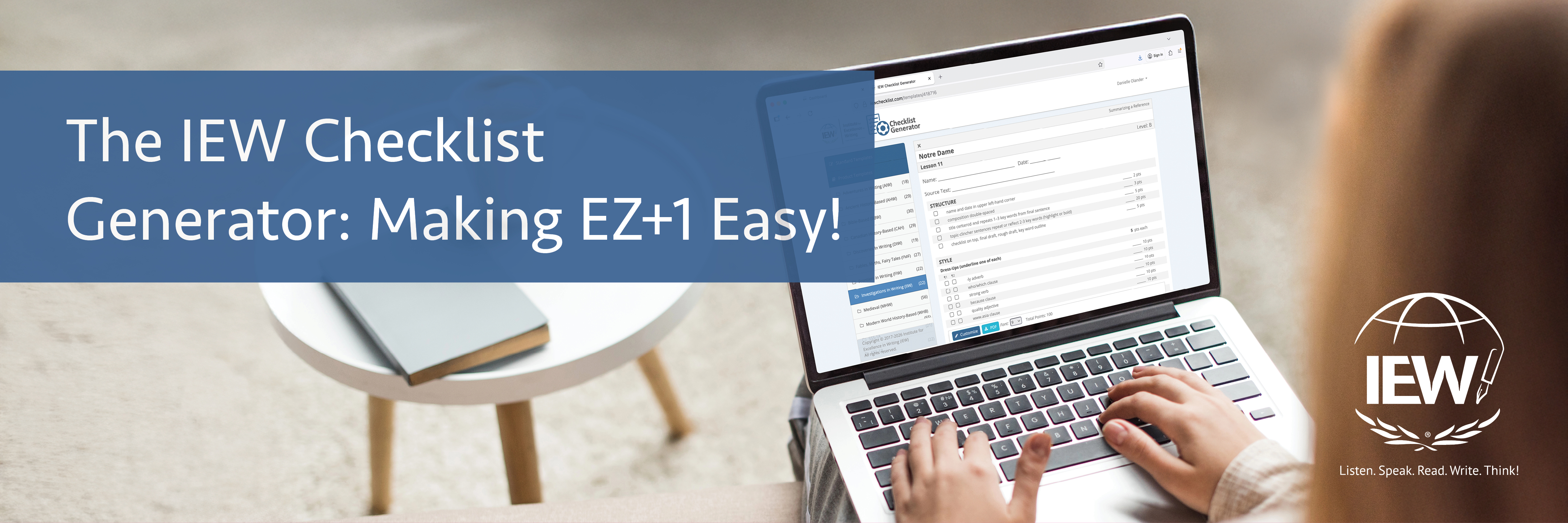
“Delete row 13. Insert new row above . . . oh, don’t delete that one . . . Oops, I didn’t mean to overwrite my master checklist.” When I began teaching IEW writing classes twenty-five years ago, creating and adjusting checklists was time-consuming and frustrating. I was determined to follow Andrew Pudewa’s instructions to introduce new stylistic techniques only as my students mastered the ones previously introduced. However, with up to fifty students across multiple classes, I could only manage so many tabs on the spreadsheet. When the IEW Checklist Generator™ was introduced in 2017, this aspect of teaching writing became instantly easier. The IEW Checklist Generator is an online tool that allows teachers and parents to quickly customize checklists and follow the principle of EZ+1.
The Checklist Generator has two categories of checklists available: Standard Templates and Product Templates. The standard templates are generic checklist templates for the IEW Structural Units 2–9. (Because Unit 1 assigns key word outlines, not compositions, a checklist is not needed.) If you have created your own assignment, this is where you can create and print a checklist for your students. For example, perhaps your student loves computers and wants to write about programming languages. You want him to use multiple sources and write three paragraphs. Using the Unit 6 standard template, you can easily create a checklist for this assignment. You can adjust point values, assign dress-ups and openers, and even list any personal pet peeves or banned words you want your student to avoid.
The product templates are the same checklists that are included with each IEW course, both Writing Across the Curriculum courses and Structure and Style for Students video courses. If you are using a course that includes the Advanced Additions, these checklists are also included in the Checklist Generator. Like the standard templates, the product templates allow you to adjust the required stylistic techniques, add banned words your students should avoid, and include mechanics reminders for grammar lessons you’ve taught. In the past, I have had to ban the phrase “and then” for some of my students. For some of my advanced writers, I have challenged them to avoid “there is/there are” in their assignments. You can add items like this to the mechanics section of the checklist.

Like the reproducible checklists that are included with each course, the templates add up to 100 points. If you have a book that was printed before 2024, you may have varying totals for the assignments. Use the Checklist Generator to standardize the point values across your classes. If you remove items from the checklist, it will automatically recalculate the points. To keep every student’s checklist total the same, simply adjust other point values if you have removed items from the checklist.
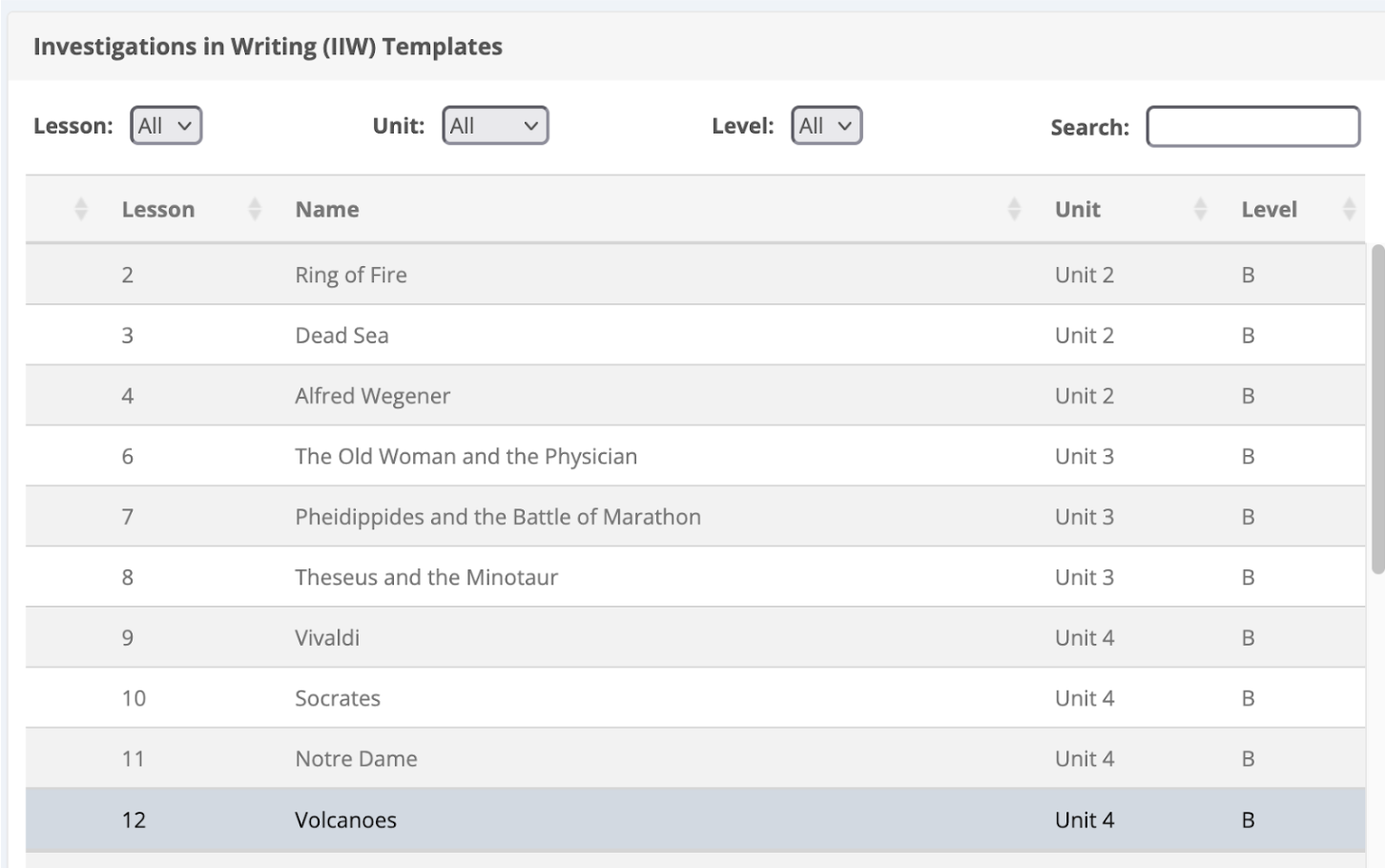
Let’s practice adjusting a checklist step by step. First, select the course and IEW Unit you are teaching. I’m going to adjust a checklist from Investigations in Writing, Unit 4, Lesson 12: Volcanoes.
Now, determine whether you need to add anything to the structure section or adjust points.

Next, consider the stylistic techniques section to apply the EZ+1 rule. It can be challenging to make a customized checklist for every student in the class, but you may be able to group students based on their progress through the stylistic techniques. For additional help on the EZ+1 philosophy and how to apply it with customizing the checklist, read these blogs: “IEW’s Checklist: Supporting Student Success” (for classroom teachers) and “Celebrate the Checklist” (for homeschool parents). In this example, a few of my students aren’t ready for the www.asia clause or the alliteration decoration. We’ll spend time in class reviewing those, but I won’t require it in their compositions.

If you are using IEW® Gradebook as your LMS, you can easily see which dress-ups and openers your students have mastered and which students may need an adjusted checklist.

Once you have made your adjustments to the checklist in the Checklist Generator, you will need to rename the checklist and save it. This will allow you to access it or edit it later from My Custom Checklists.
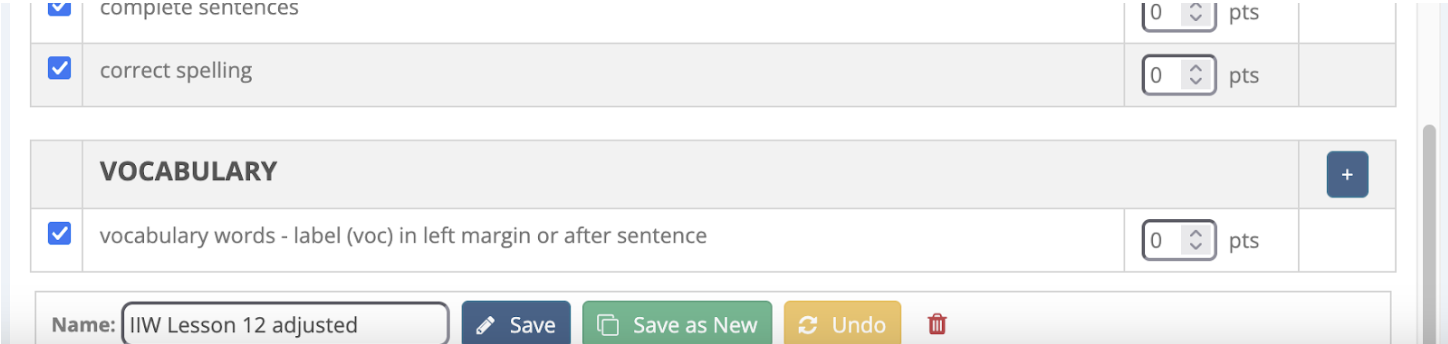

Note that you can also adjust the font size and see the total points once you’ve saved the checklist. To download the file in order to print it, simply click on the PDF button and save it to your computer.

You can compare the original (left) and the adjusted checklist (right) below.


Using the IEW Checklist Generator, you will avoid the deadly error of overexpectation and allow your students the freedom to work on the stylistic techniques at their own pace. The Checklist Generator is available only to those who have a Premium Membership and is one of the most valuable tools included in the membership. With templates for every unit as well as checklists from nearly every IEW course, it makes implementing EZ+1 easy!
by Danielle Olander